 Solar Blinds - UCF Senior Design Fall 2015
 Videos
Photos
Drive Shaft Motor
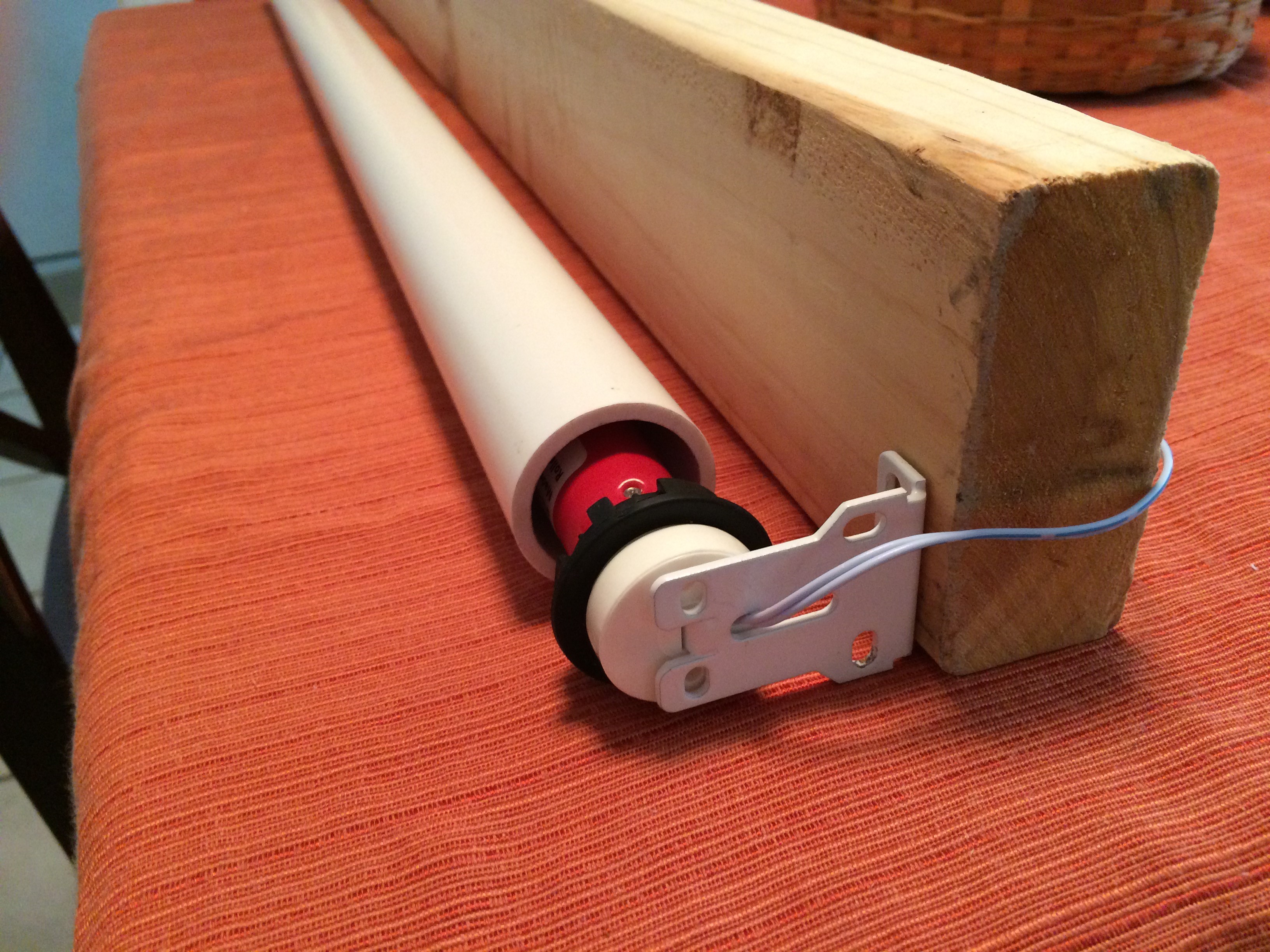
The motor is only one foot long and was extended with PVC pipe.
Current Transportation from Flex Panel
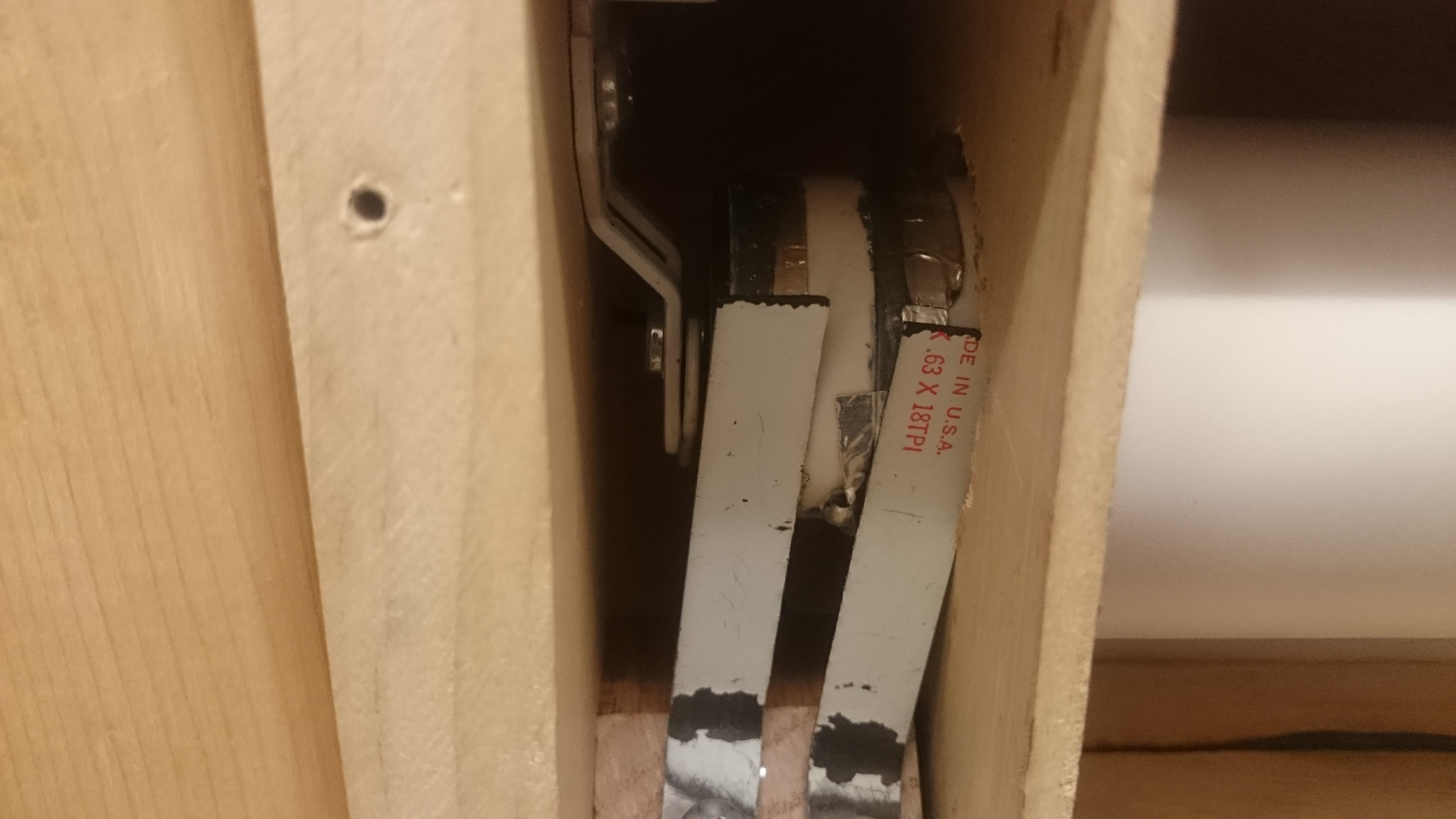
The flexible solar panel mounted to the canvas had its wires run through the center of the drive shaft. In order to get the current from this rotational circuitry to a stationary one, we soldered the wires through holes in the PVC, ran metal tape around the PVC, and used strips of steel to maintain contact with the tape as the drive shaft spins.
Front of Blinds
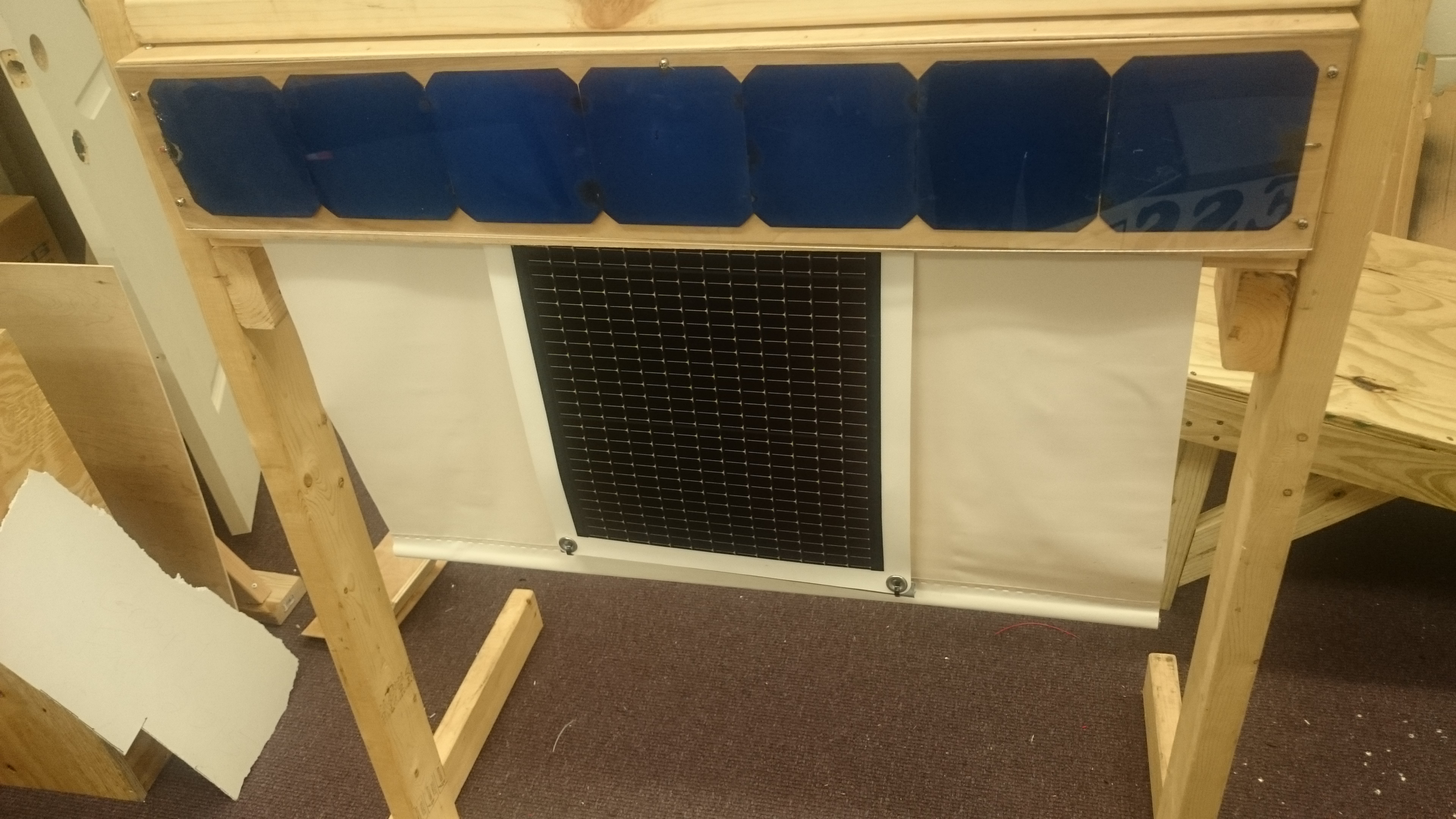
The view that would be seen from outside a window looking in at the blinds. The blue monocrystalline cells can be seen mounted on the outside of the housing, and the flexible thin-film solar panel is mounted to the canvas.
Mobile App Main Menu
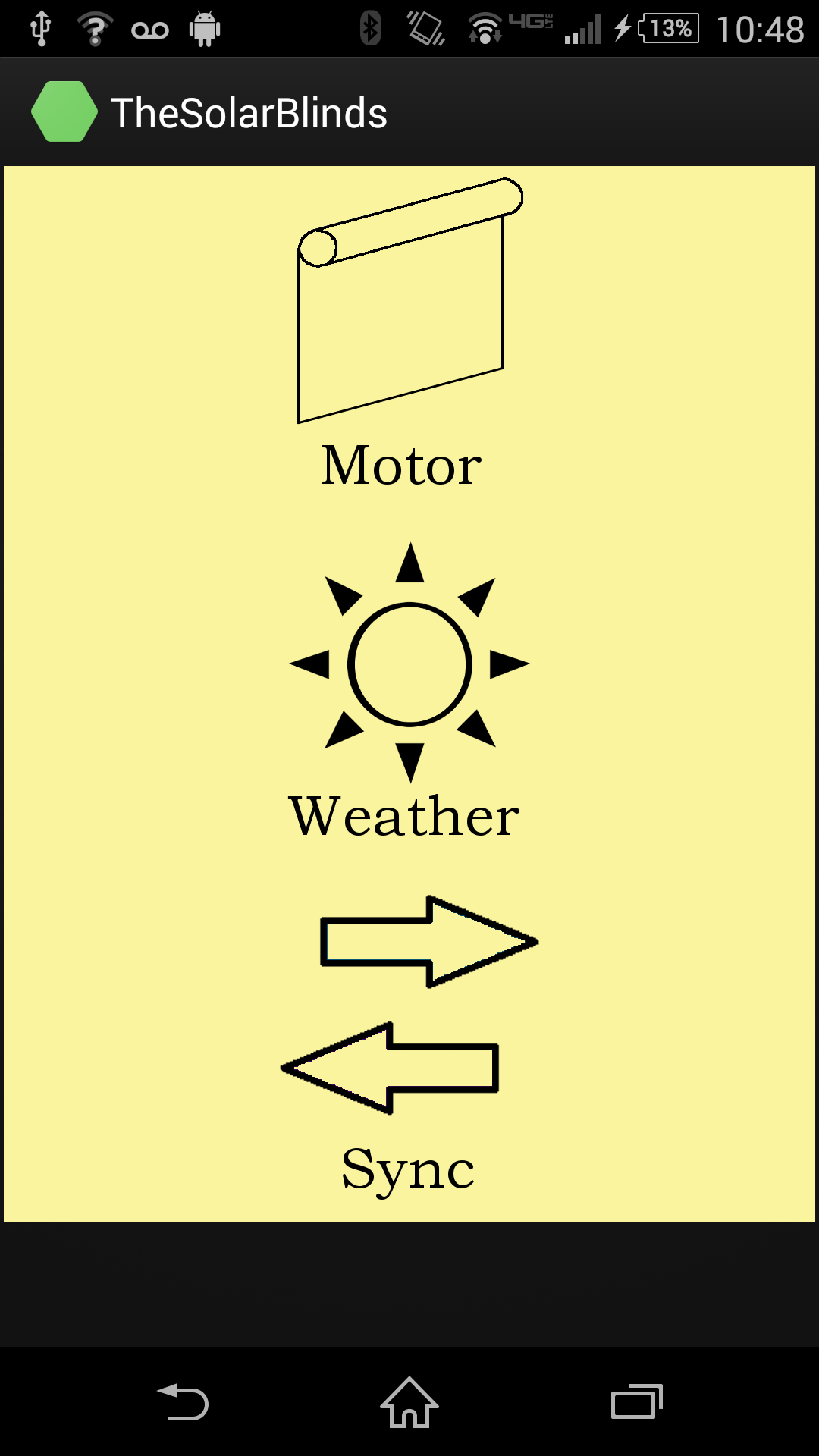
This is the main menu for the mobile application. This is the screen that opens when the app is launched. From here, we can navigate to motor control, RFID sync, or weather forecast.
Mobile App Motor Control
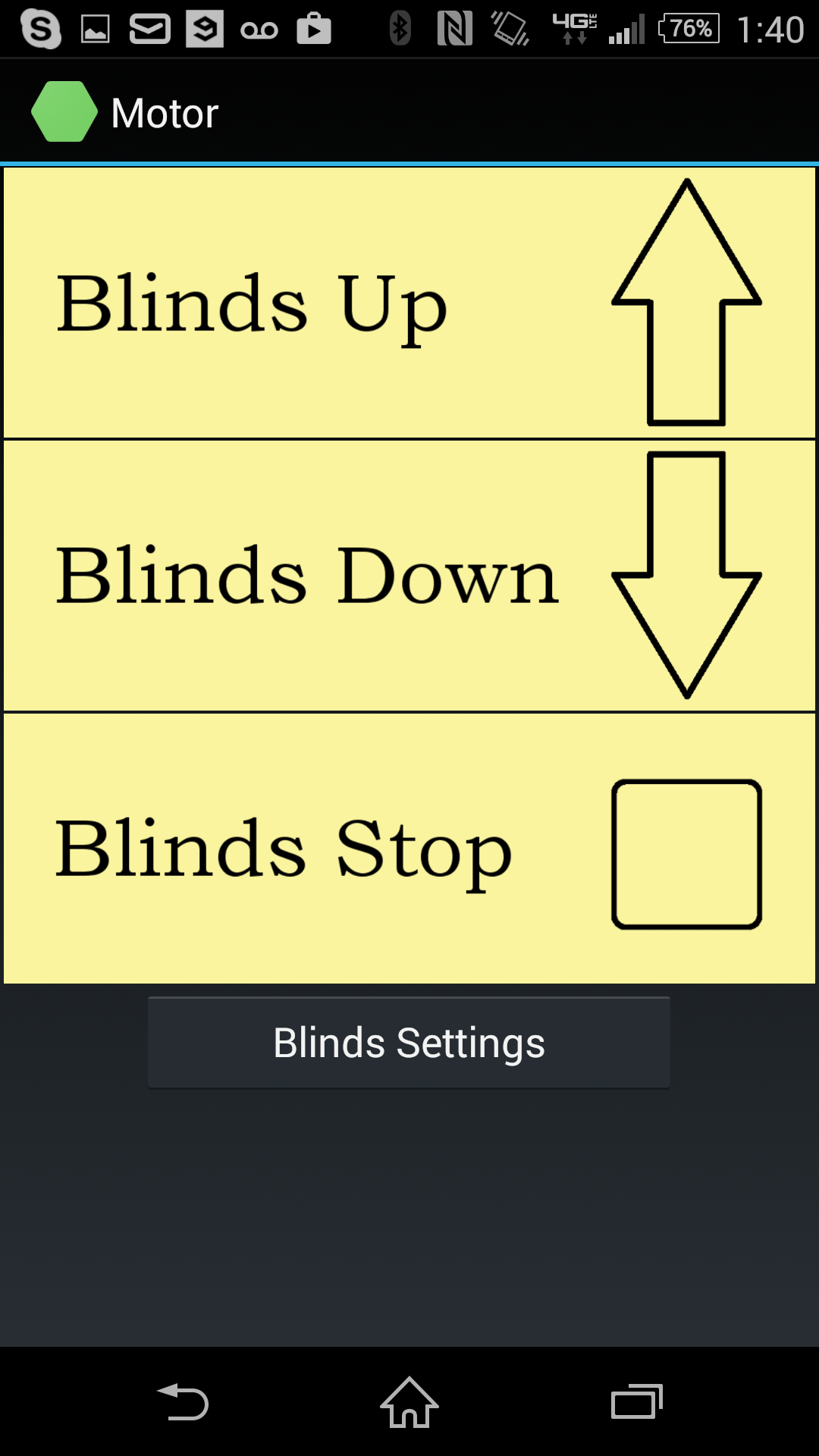
This screen controls the motor on the blinds with simple up and down toggle buttons.
Mobile App Current Weather
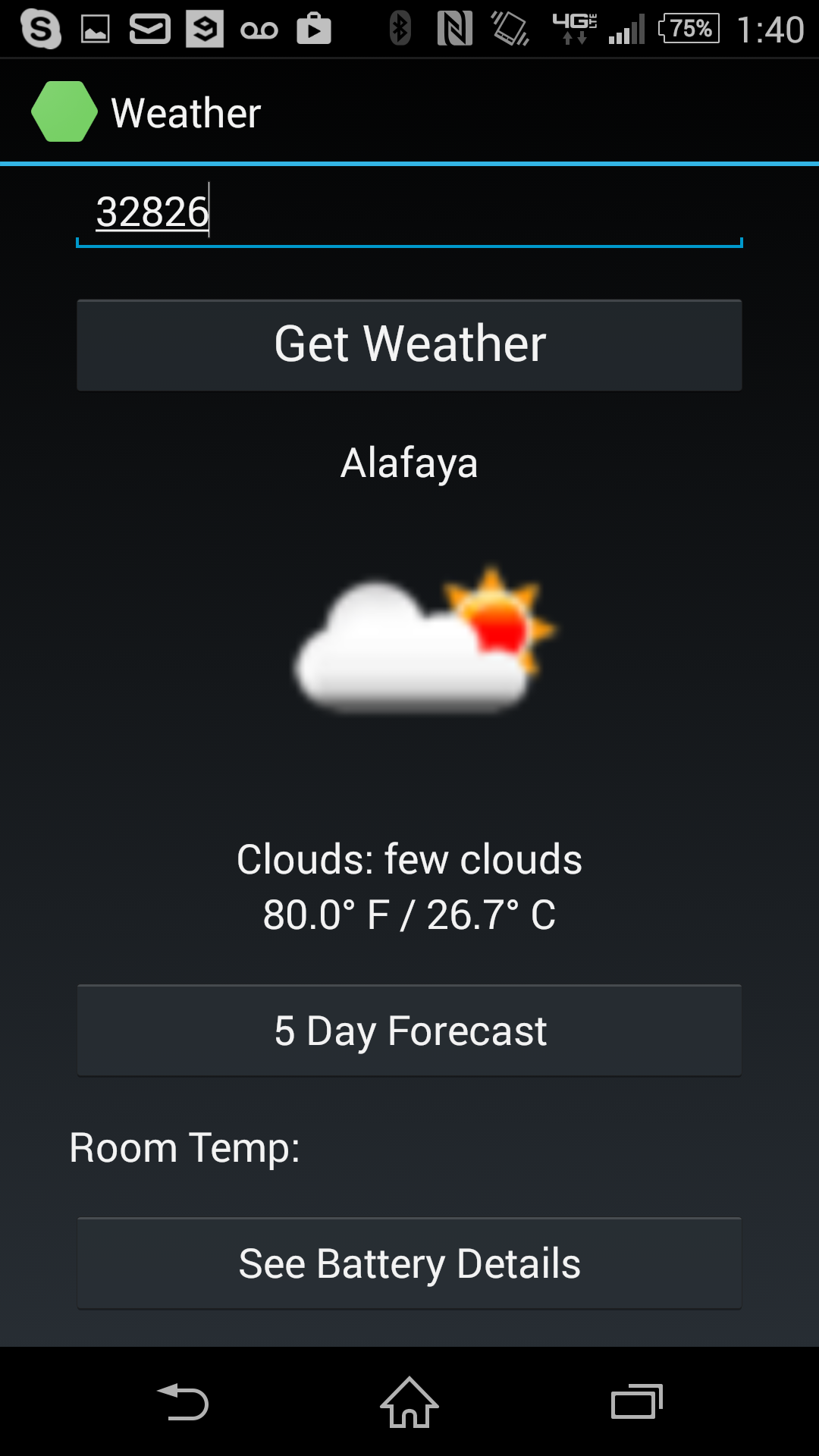
This is the first screen in the Weather activity. This shows the current local temperature and weather by pulling info from the internet based on the user-input zip code.
Mobile App Weather Forecast
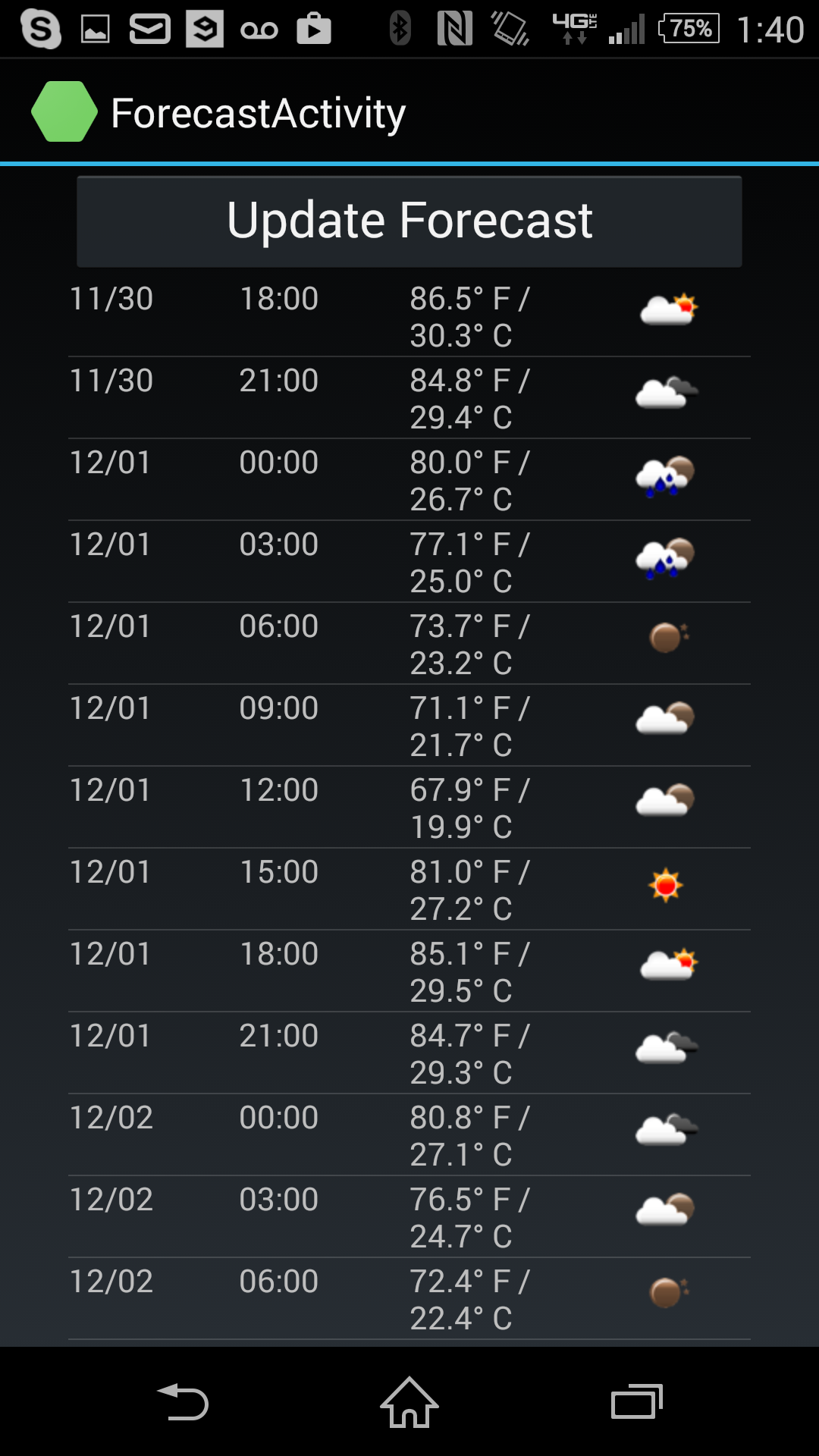
This is the second function of the Weather activity. After inputting the zip code, the app will generate a 5 day forecast in a list. Forecasted temperatures and weather are listed in 3 hour intervals over the next 5 days. This allows the user to determine when they would want to keep the blinds open or closed, at their preference. If time restrictions hadn't been an issue for this project, an additional "reminder" feature would have been implemented to alert the user to peak sunlight hours in order to maximize battery charging.
Mobile App RFID Sync
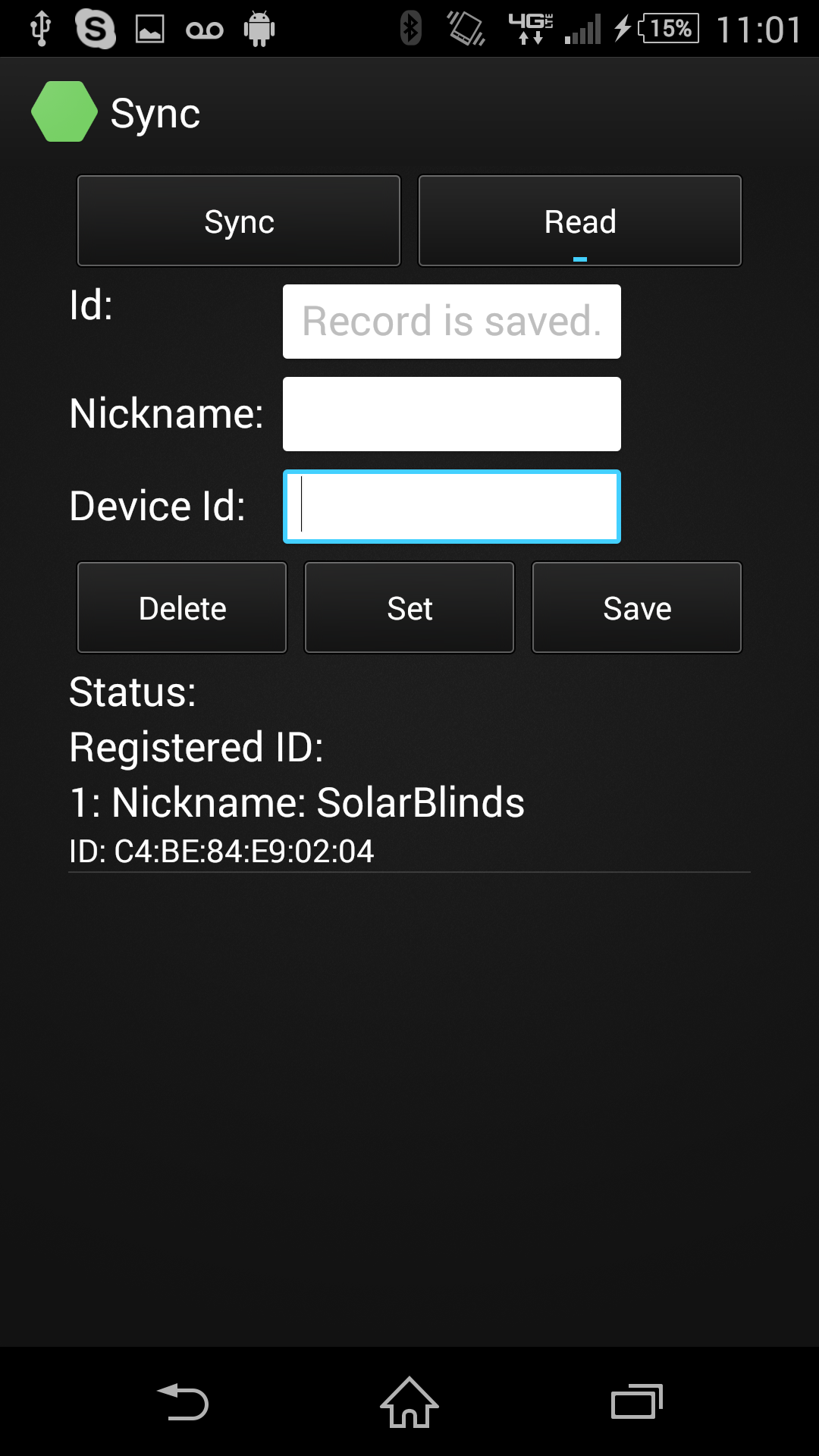
The RFID synchronization activity provides an additional layer of security for the Bluetooth connection to the blinds. By using the NFC capabilities on newer Android phones, we require the user to be in physical close proximity (within 2-3 inches) to the blinds in order to register it on the mobile application. Once registered, the blinds will accept commands from the device. This also doubles as a command management system in the case where a user has multiple solar blinds in their household. By syncing and unsyncing to different blinds, the user can control each one with only one mobile device.