
Mobile App Home Menu
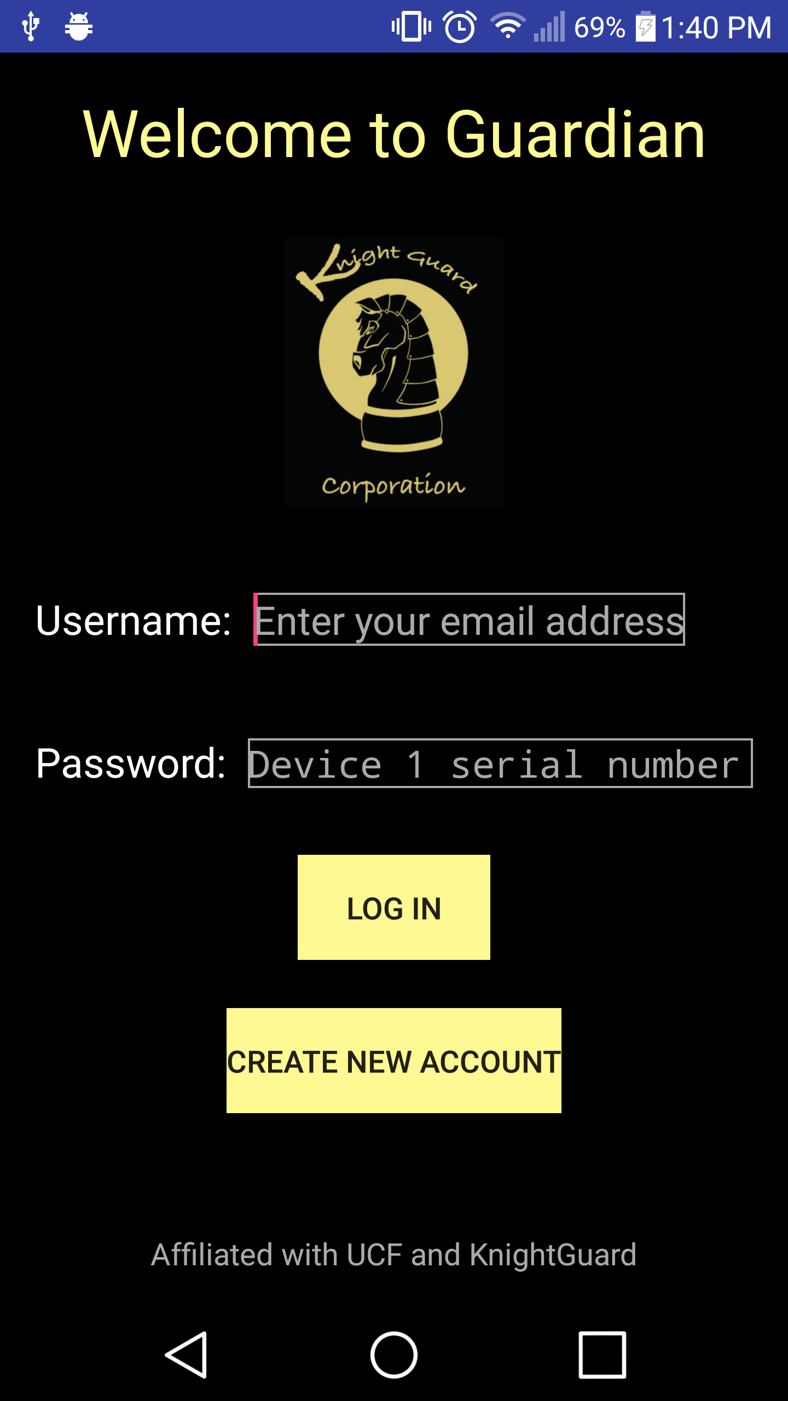
Developed on Android Studio for Android phones with software versions of 6.0 or later, this application was built in the event that Device 1 was either misplaced or taken away from the user so they will still have a way to activate the deterrant. Built with user registration as well as verification systems, Bluetooth connections, Emergency Signalling, and profile updates.
User Registration
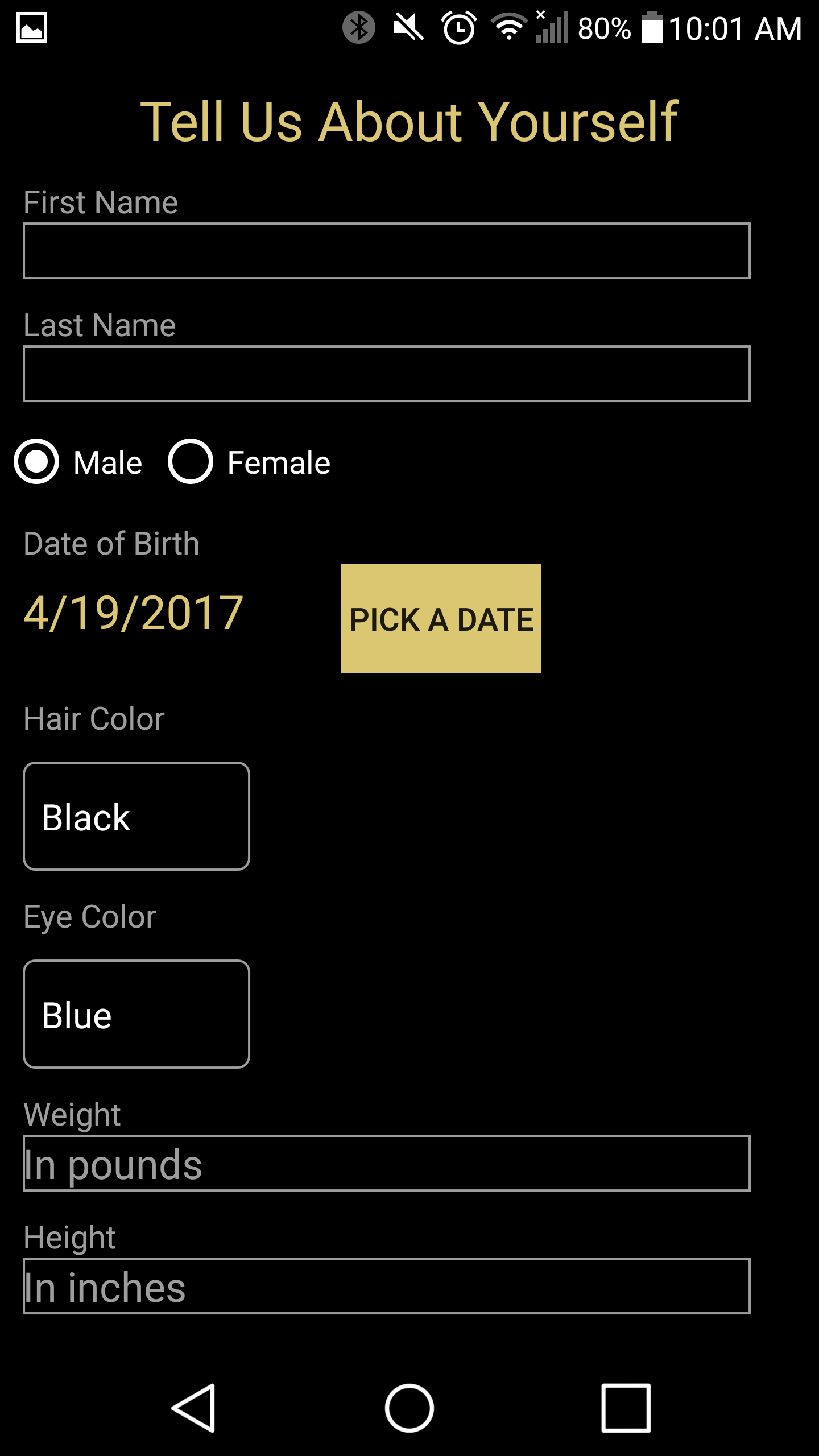
When the user is asked to start the registration process, they will be asked to input their email, phone number, an agency that they might be affiliated with, as well as their phone number. Invalid emails, as well as emails already in use, will not be able to proceed. After this, users will be asked to input their name, date of birth, hair and eye color, as well as weight and height. Once submitted, the data will be turned into JSON objects and a POST request will be used to enter the information into the database. Once submitted, the user will finally be asked to enter in a picture of themselves, and will be submitted in the database once taken. This is all done to help local authorities and agencies users might be affiliated with to help identify them as quickly as possible.
Verification
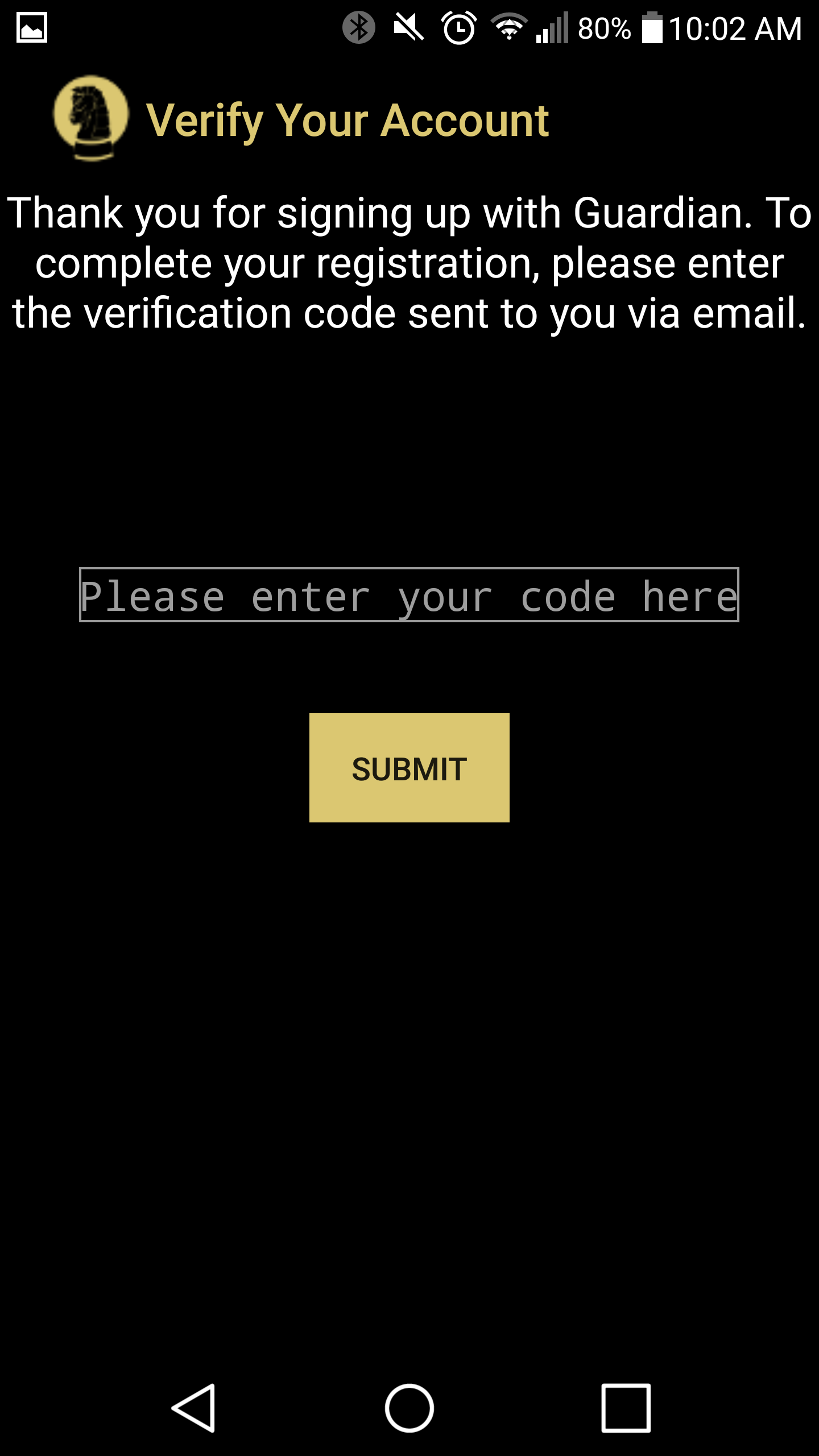
When the data is first submitted onto the database, a no-reply email will be sent out to the email users provided during registration with a random code that they will need in order to verify themselves. After the picture is submitted into the database, users will then be asked to input the code they received. If the correct code is entered, users will then be tasked to establish the connection between the phone application and Device 2 immidiately, in order to quickly alleviate a situation, should it ever occur.
Emergency Distress Button
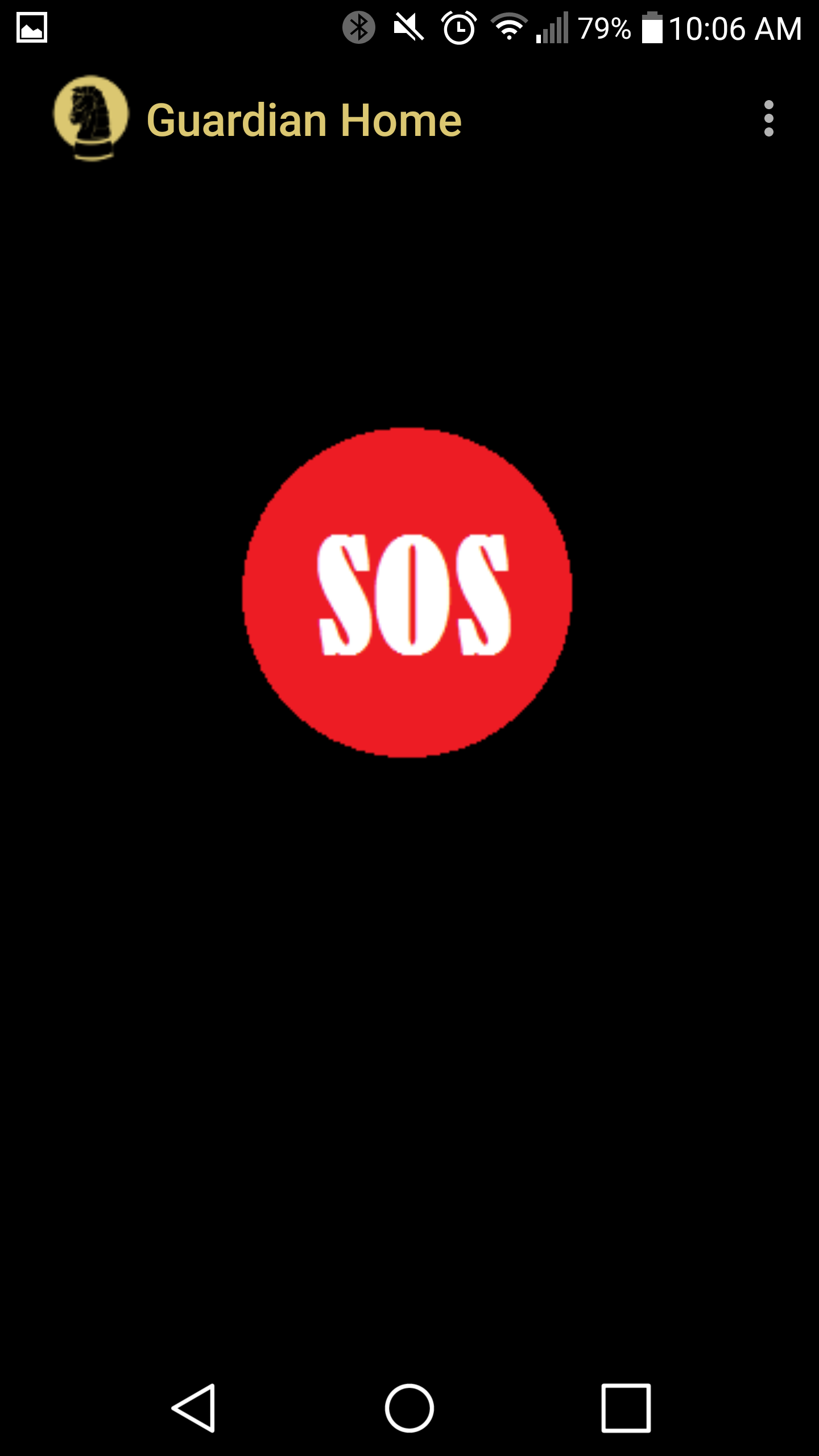
Once the connection between the phone application and Device 2 is established, whenever the user is ever in danger, they will be able to press the emergency distress button. Pressing this will send out a signal, which will be received by Device 2 and activate the deterrant. At the same time, an alert with GPS coordinates will be sent out to the Workstation app, which local authorities will have and will alert them that the user is currently in trouble and needs help.
Web Application
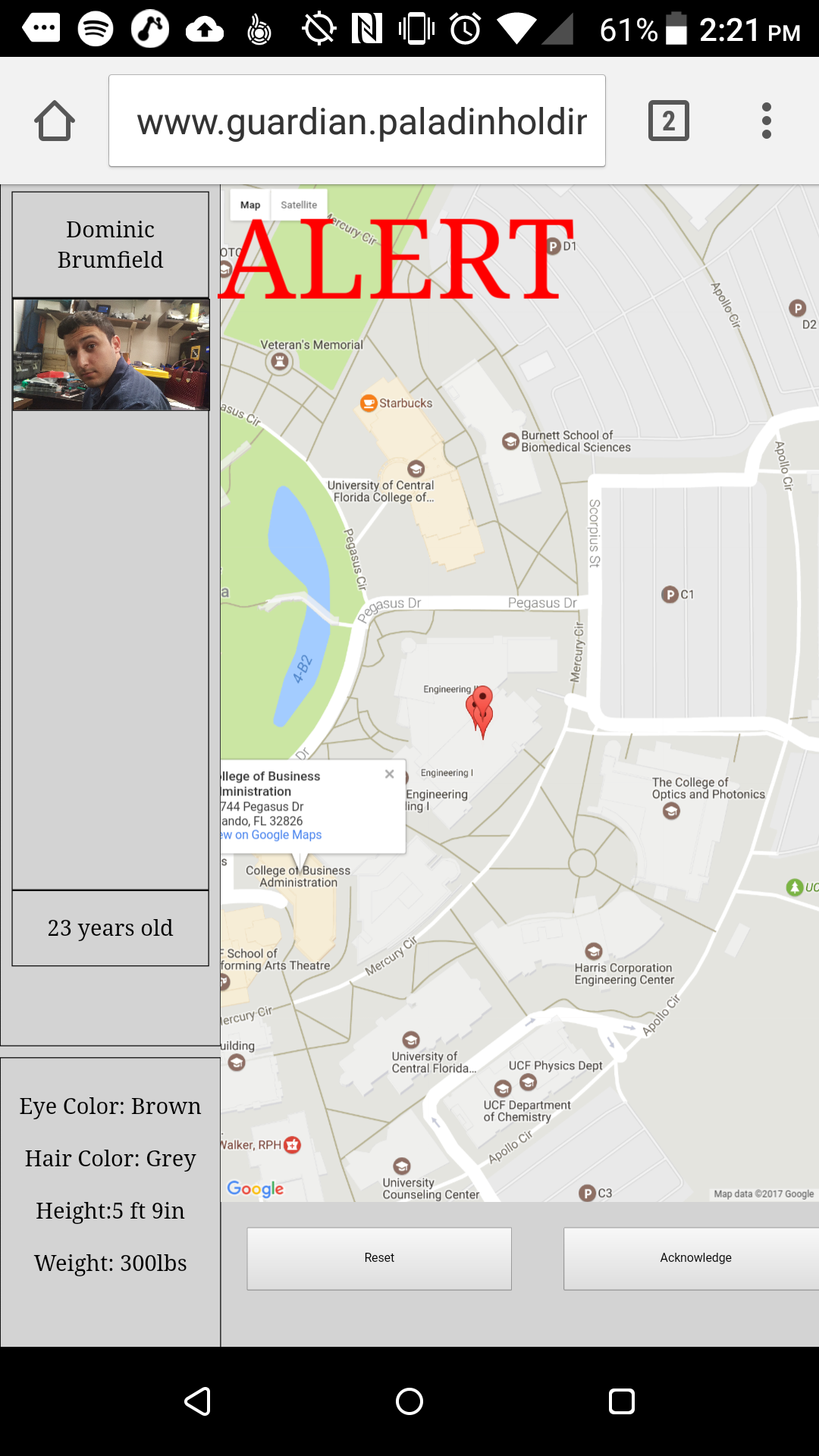
This app will be visible to local authorities, and upon startup will show a screen with no information on it. Once either Device 1 or the phone application sends out the activation signal to Device 2, an alert will be picked up, and based on the email users used during registration, will pull up all the necessary information associated with the email from the database and display it on the left side of the app. As well, GPS coordinates will be received from the phone's location services, and will display it on the right side of the app. The coordinates will update themselves every five seconds, so authorities can track the user's trail. The authorities can acknowledge the user's alert, and will still update the current location until either the phone's location services is turned off, or the authorities reset the Workstation.