Documents
All documentation related to the project
Knights Interactive Timebox
A Retro Style Game Console. The Knight Interactive Timebox or KIT is a classic gaming console featuring a built in LED display. The nostalgic feel of the Knights Interactive Timebox is designed for video games like Pong and Tetris. This console is dedicated to simplifying gameplay and game design. This project utilizes a Raspberry Pi to load game files from a micro sd card slot, render display data from the graphical information provided with the game file, and then transmit the display information to an Arduino Teensy. The Arduino Teensy generates pulse width modulated waveforms using DMA hardware. These waveforms are transmitted to a 32 x 24 LED video display. Users interact with the console utilizing two wireless controllers, which communicate with the Raspberry Pi via Bluetooth. The KIT also features a 6x2 LCD screen dedicated to providing debug information to aide in game development.
The Problem
Interactive entertainment is a major part of today’s entertainment industry. New game consoles restrict their market and appeal with the complexity of the game environemnt. Novice developers are overwhelmed by the difficulty in designing a game for these systems. A large market desires simple and casual gaming enteratainment.
The Solution
The KIT simplifies the gaming experience for both the user and the developer. Using a limitted display resolution, the complexity of the controller, and the computational power of the CPU guides game developers to rely on simple mechanics for entertainment success.
Subsystems

Display System This system is comprised of two components used to operate the built-in video display. These components are the WS2812B addressable LED strips and a Teensy 3.2 development board. The WS2812B smart pixel LED strips were chosen for their individually addressable operation, full color capabilities, 5-volt operation, and ease of installation. The Teensy 3.2 development board receives display information from the CGS over USB. The Teensy generates waveforms and communicates to the WS2812B LED display. The Teensy 3.2 was chosen for its highly accurate serial communication at baud rates excess of 500 kbps, the 72 MHZ processing speed, and the compatibility with the OctoWS2811 fast LED library developed by Paul Stoffregen. The OctoWS2811 utilizes the Direct Memory Access (DMA) hardware of the Teensy 3.2 to generate highly accurate waveforms to communicate to the WS2812B smart pixel. Using DMA frees up the CPU on the Teensy to receive and prepare the next frame of data. The combination of the OctoWS2811 library and the optimized serial communication ensures the Display System is capable of high refresh rates.

User Control System Developed to handle user inputs for gameplay, the User Control System is comprised of three main components. The Arduino Nano development board, HC-05 Bluetooth transmitter and Plugable USB Bluetooth Dongle. This system communicates user inputs over Bluetooth to the CGS. The HC-05 module was chosen because of the simplicity of implementation in the overall design of the controller. The wireless controller is an eight push button input device driven by an Arduino Nano. The controller uses an HC-05 Bluetooth module to send inputs from the push buttons to the Raspberry Pi 2. These inputs are received by a USB Bluetooth dongle on the Raspberry Pi 2 and are then interpreted as commands that control the LED Display. The controller was programmed and debugged using the Arduino IDE.
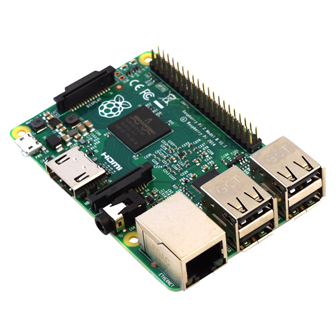
Central Gaming System The CGS handles all game logic, generates display data, communicates with wireless controllers, and operates the console health management system. The Central Gaming System is the brain and nervous system of the Knights Interactive Timebox. All of the CGS capabilities are accomplished using a Raspberry Pi 2 single-board computer. The Raspberry Pi will be responsible for communicating to all peripherals. The Raspberry Pi will use the LCD to display error data and internal temperature of the KIT . The Raspberry Pi will also communicate with the display driver via a serial connection to ensure the game is properly displayed on the LED matrix. The Raspberry Pi will also communicate with the controllers via Bluetooth to receive input from the user.
Game Files
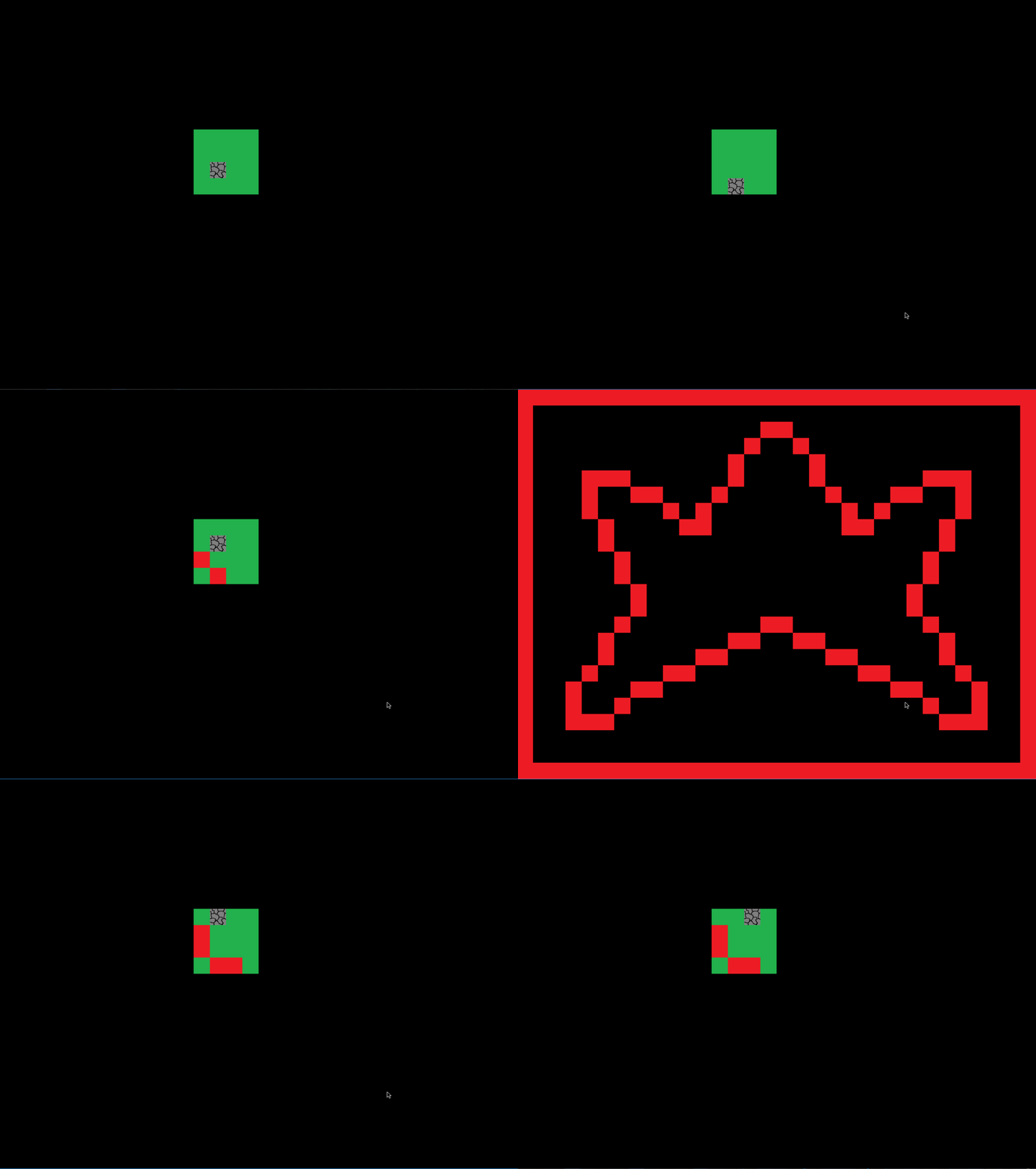
Knights Matching A classic game matching different card tiles. Once matched the tiles turn red. The card images are drawn from png files using a sophisticated image parsing code. The code breaks an image down pixel by pixel, determining its color and location to then send the information to the LED display.
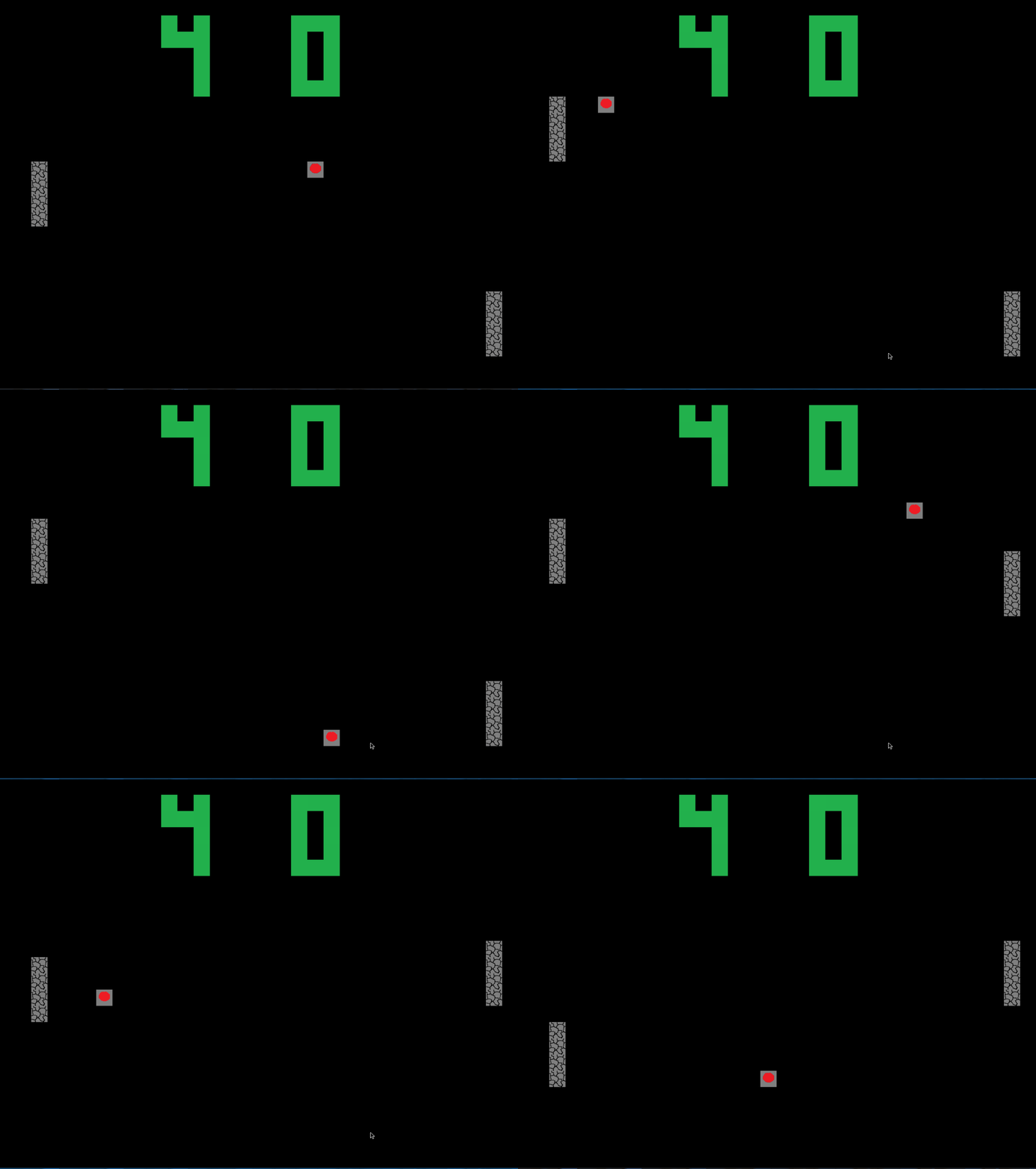
Knights Pong The oldschool pong game. No need for an introduction for this throwback. This game type was developped to display the two player capability of the KIT
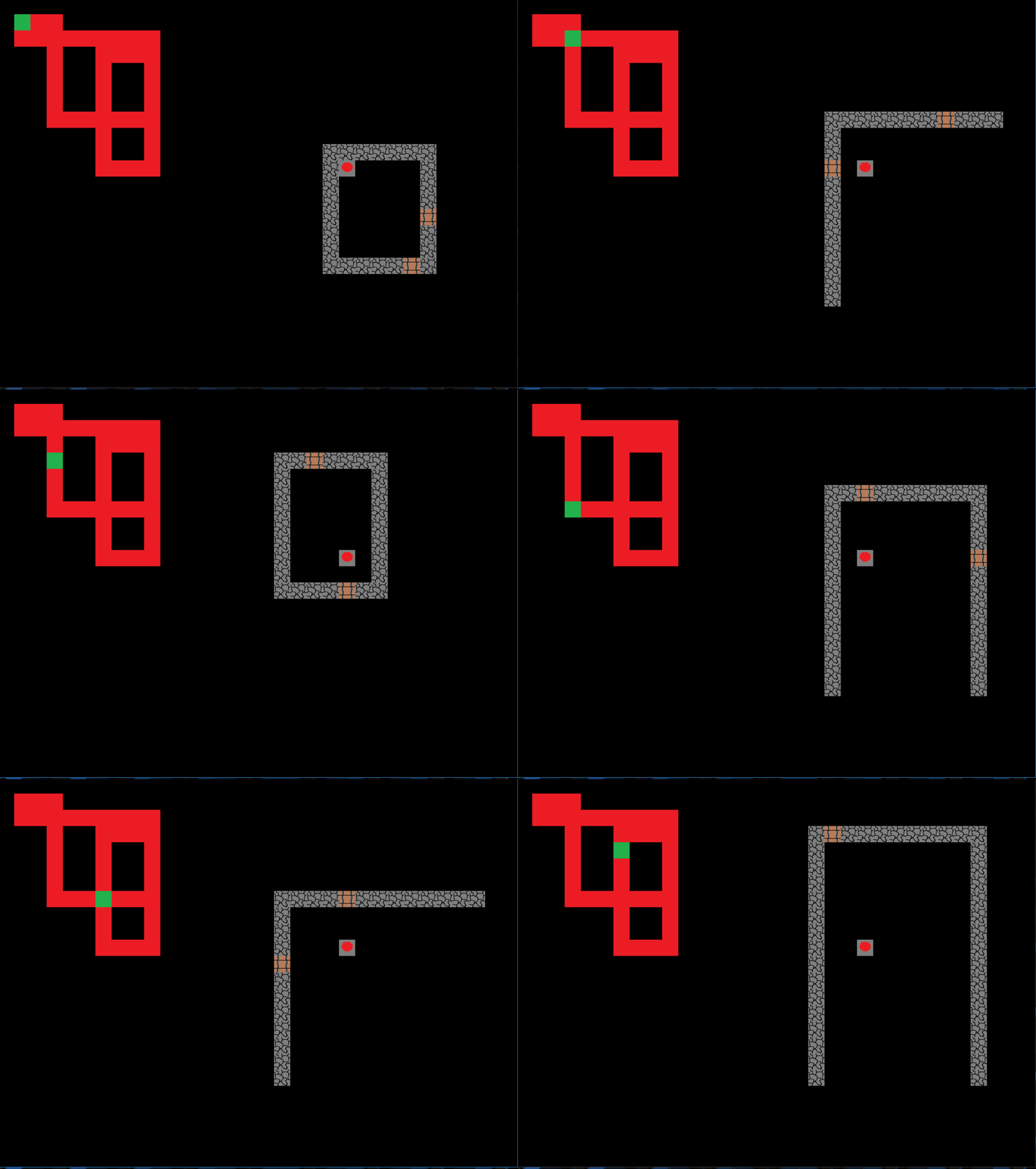
Knight's Journey An orginal Deveopment by Michael Ruckstuhl. Knight's Journey takes you into the world of a lone Knight trapped in a procedurally generated dungeon. The knight must traverse through different rooms and different levels to find the exit. Because the map and rooms are randomly generated no two playthroughs are alike.
Test Documentation
The following is a list test and validation documents.
Document Links
The following is a list of all the resources related to the project.